Car app sign-in: what happens after the phone says done?
The phone approves the account, but the car still needs a result. A review of parked sign-in, delayed authorization and recovery paths that send drivers back to the right task.
Yahagu Research · Published 2026-09-10 · Sources checked 2026-09-10 · 5 min read
Android for Cars templated sign-in, with separately scoped AAOS recommendations and OAuth device-authorization behavior. Google design guides dated 5 September 2025; API and RFC checked 10 September 2026.
When approval and completion disagree
A driver parks, opens an app on the car display and scans its sign-in code. The phone accepts the account. The car still shows the code.
At this point, tapping again may start another attempt. Waiting may work, or it may leave the driver watching a request that has expired. The interface needs to distinguish those situations before it can offer a useful next action.
This is a proposed review scenario, not a failure observed in a vehicle. Google's Android for Cars documentation provides the interface example; the analysis below examines the decisions a product team still has to make. It does not establish that a particular car or app implements the suggested recovery behavior.
Follow the task beyond the phone
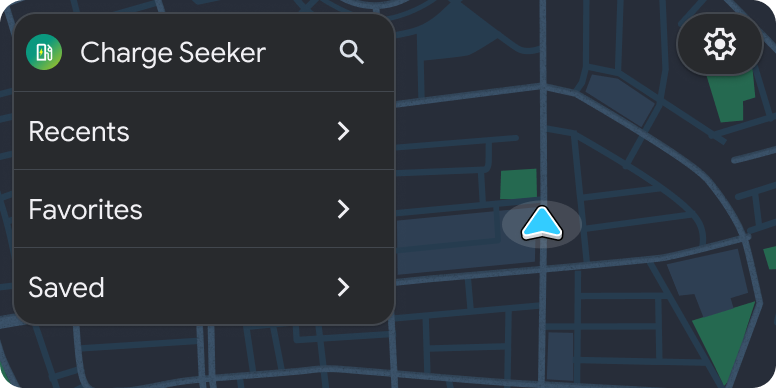
Google's parked sign-in example moves from the car's landing screen to a sign-in template, continues on the phone, optionally shows a privacy policy, and returns to the car's landing screen. The phone interaction pauses the illustrated task. This describes the visible sequence, not an authentication protocol or a guarantee about recovery after interruption. [1]
For a review, add a concrete purpose: the driver wants to open saved charging locations. Successful account authorization is one prerequisite; retrieving the saved locations is another. If authentication succeeds but the saved-list request fails, returning to a login form sends the driver through the wrong recovery path.
A useful acceptance criterion would be: after the car confirms authorization, either show the requested saved list or explain why that list could not load without asking the driver to authenticate again. That is an editorial recommendation for this scenario, not a documented behavior of Google's example.
Separate display permission from account state
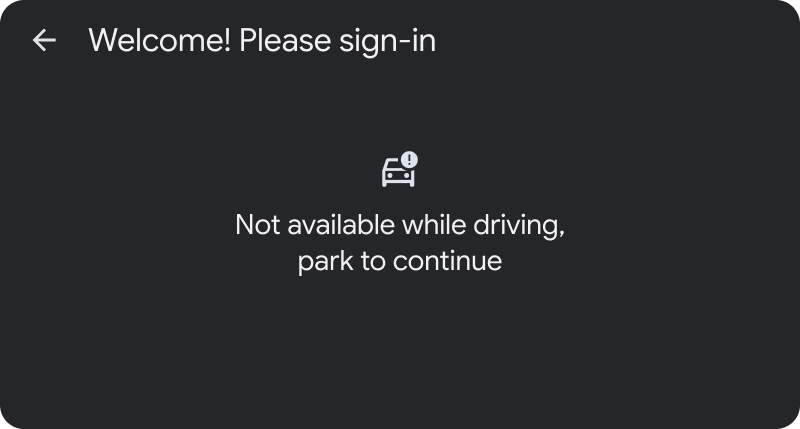
The SignInTemplate API states that its body is available only while parked and does not consume the template quota. Those are display and task-budget constraints. They do not specify that hiding the body cancels a server-side authorization attempt. [2]
Consider the driver starting to move before an attempt completes. A team needs an explicit decision about the pending request, as well as the restricted display. Treating "the form is no longer visible" as proof of cancellation would mix two different events.
The following is a proposed review matrix. It is not a permission to show sign-in controls while driving; the host's restrictions still apply.
This matrix gives design and backend teams something specific to reconcile. A screen design alone cannot decide which asynchronous result still belongs to the current user action.
| Situation | What the team needs to establish | Proposed acceptance check |
|---|---|---|
| Phone authorization is pending; car is parked | Which attempt owns the displayed code | Reopening the screen neither creates an unlabelled second attempt nor reports success early |
| Phone reports success; car has no result yet | Whether the car has received valid authorization | Keep the state pending until the car confirms its own result |
| Car begins moving during the attempt | Display restrictions and request lifetime | Restricted controls disappear; request handling follows an explicit policy |
| Account authorization succeeds; saved data fails | Which operation actually failed | Offer data retry without unnecessarily restarting sign-in |
| User cancels attempt A and starts B | Which result may update the active session | A late result from A cannot silently complete B |
If the service uses OAuth device authorization
A code on a car screen does not identify the protocol behind it. Google's illustrated flow does not prove that an app uses OAuth device authorization. For services that do, RFC 8628 provides useful distinctions: the device requests authorization and polls for the result while the user completes approval elsewhere. [3]
Section 3.5 distinguishes pending authorization, a request to slow polling, denied access and an expired device code. Pending requests respect the server's interval, or five seconds if none is given. A slow_down response increases the interval by five seconds. Other error responses stop polling; an expired session may be restarted, preferably after user interaction. [4]
The product implication is to avoid a single endless spinner for these outcomes. Suggested copy for an expired attempt could say "This sign-in attempt expired" and offer a fresh attempt when permitted. A transport delay needs different handling from a denial. These messages are proposed interface choices, not text prescribed by the RFC.
Test them with controlled server responses. Waiting for real-world failures will make it hard to reproduce whether a confusing display came from expiration, rejection or a delayed reply.
Choose the fallback for the actual platform
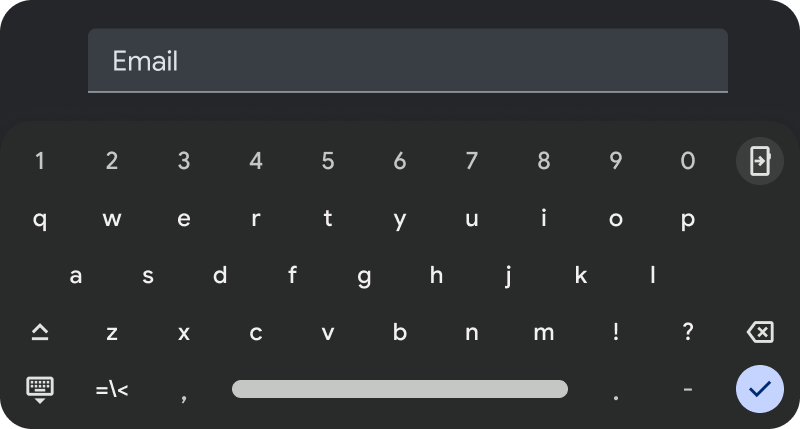
Android Auto projects an app from a phone that may already provide its sign-in experience. Google's AAOS guidance separately recommends prioritizing supported Google sign-in, then supported phone sign-in, with standard credentials as an option when those methods are unavailable. It labels those recommendations SHOULD or MAY. They should not be recast as universal requirements for all cockpit platforms. [5]
For a product review, name the missing dependency rather than offering a generic "try another way." Is the phone unavailable? Is the selected identity provider unsupported? Has the driver forgotten credentials? Each problem calls for a different route. Offering another button is useful only if the driver can finish that route in the supported environment.
Also decide whether the app can provide a meaningful guest experience. Google's template guide illustrates skipping sign-in as an alternative while driving, but that does not make guest mode suitable for every service. A private saved list, for example, should not appear just because the signed-out screen is inconvenient. [6]
Review evidence, not just the happy-path mockup
The sign-in template guide currently contains a search-template paragraph and a QR-method description that refers to a PIN. Its examples are useful, but those inconsistent passages are not a sound basis for implementation limits. The parked-only rule is independently stated in the API reference. This analysis does not infer code-length limits from the inconsistent wording. [6]
Before release, capture the car display and request state for the five scenarios in the matrix. Use test accounts and redact tokens and codes from any shared evidence. Include a run where the driver cancels and restarts: a late successful response can expose a state-ownership problem that a simple timeout test misses.
For the saved-charger scenario, the release review should end with an observable result: the intended account can access the intended list, or the driver gets a recovery action for the operation that failed. A success message on the phone is insufficient evidence for either result.
Open questions
- Product / UX
- After phone approval, what evidence does the driver see that the requested car task is ready?
- Engineering
- Which pending attempt owns a late authorization result after cancellation or restart?
- Validation
- Can pending, expired, denied and data-load failure outcomes each be reproduced without relying on a real network outage?
Sources & scope
Public documentation analysis, not a vehicle test. Official images are separate examples, not a continuous recording. Recovery scenarios are proposed acceptance checks. A displayed code does not establish that a service uses OAuth device authorization.
- Google's sample flowEnglish original · Checked 10 September 2026
- SignInTemplate APIEnglish original · Checked 10 September 2026
- RFC 8628English original · Checked 10 September 2026
- Token response rulesEnglish original · Checked 10 September 2026
- Create a sign-in flowEnglish original · Checked 10 September 2026
- Template examplesEnglish original · Checked 10 September 2026
What would you add?
Share a different implementation, flag a correction, or tell us where this analysis helps with your work. A public source link is welcome.
Your message and email are stored privately for handling this request. Do not include confidential product information.
Related analysis
 01
01Why a parked car can still miss a background refresh
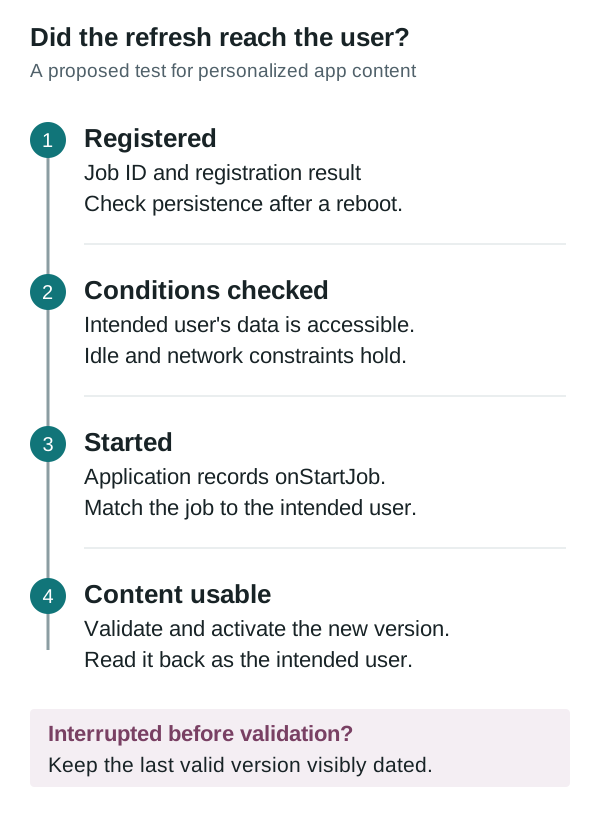
Garage Mode supplies an idle work window, not proof that a user's content refreshed. Compare job registration, user-data access, execution and the version available after an interruption.
 02
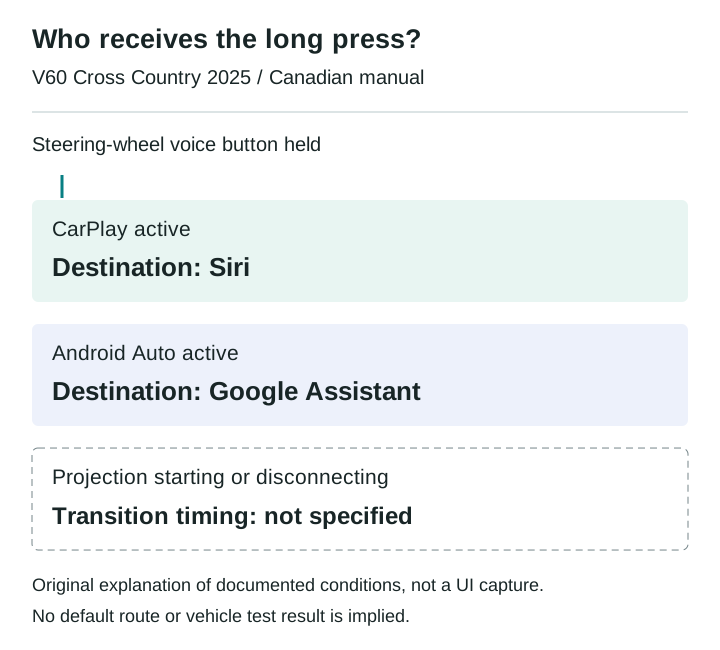
02Which assistant owns the steering-wheel voice button?
The Canadian 2025 V60 Cross Country manual assigns the same long press to different phone assistants. A disconnect scenario shows what an integration test must record before judging media commands.
 03
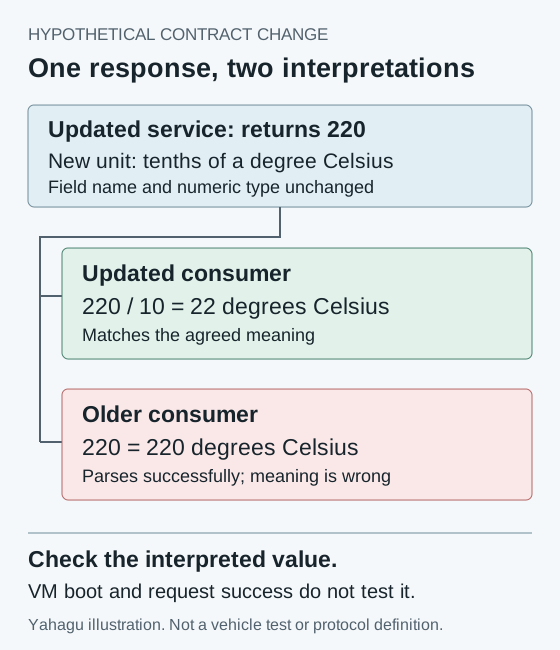
03Choosing when to commit an Android SDV update
A VM can boot successfully while its consumers disagree about a changed service. A worked compatibility example explains what an integrator should verify before committing an Android SDV update.
 04
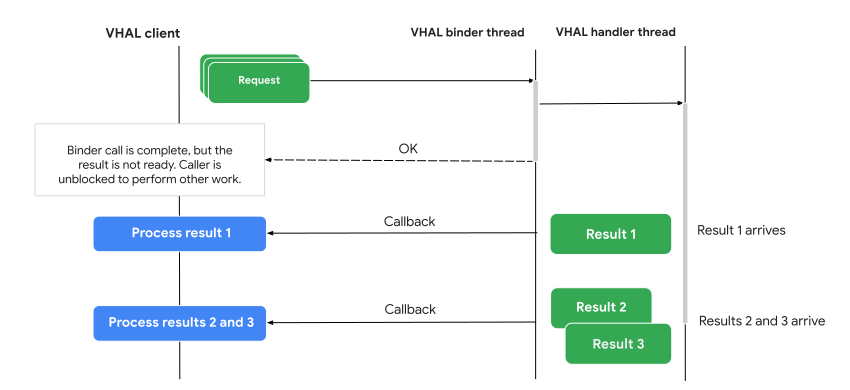
04Audio focus loss is not proof of silence
A navigation prompt interrupts music. The focus log looks correct, but it cannot tell you what reached the driver's seat. An AAOS review needs separate evidence for policy, player behavior and output.
 05
05A readable temperature is not a successful climate command
A climate control can show a valid temperature and still fail to change it. For an AAOS integration, the useful distinction is between the reported target, the pending request and the temperature the system measures.
 06
06Passenger displays need their own restriction contract
A passenger video experience cannot rely on one vehicle-wide moving flag. AAOS separates display restrictions, activity blocking and supported background audio. Here is how those boundaries change an integration review.
 07
07Physical buttons still need a state model
Volkswagen gives climate and audio tasks fixed locations. BMW's announced steering wheel highlights actions as they become available. An interrupted call shows why both hardware and software state belong in the review.
 08
08The LYRIQ supports CarPlay. Which system plans the charging stop?
A charging trip can cross a phone planner, projected maps and built-in navigation. The useful comparison is what each path retains, recalculates and confirms before arrival.
 09
09Four screens between a saved place and turn-by-turn navigation
A close reading of Google's navigation example: where a place becomes a route, why a familiar layout still consumes another step, and what Back must preserve.