The LYRIQ supports CarPlay. Which system plans the charging stop?
A charging trip can cross a phone planner, projected maps and built-in navigation. The useful comparison is what each path retains, recalculates and confirms before arrival.
Yahagu Research · Published 2026-09-10 · Sources checked 2026-09-12 · 6 min read
US LYRIQ: 2027 advertised phone compatibility, separately labelled 2026 charging FAQ, and Cadillac's Charging app support page, which does not specify a model year. Historical owner discussion is not current product evidence.
Start with the charging trip
.jpg)
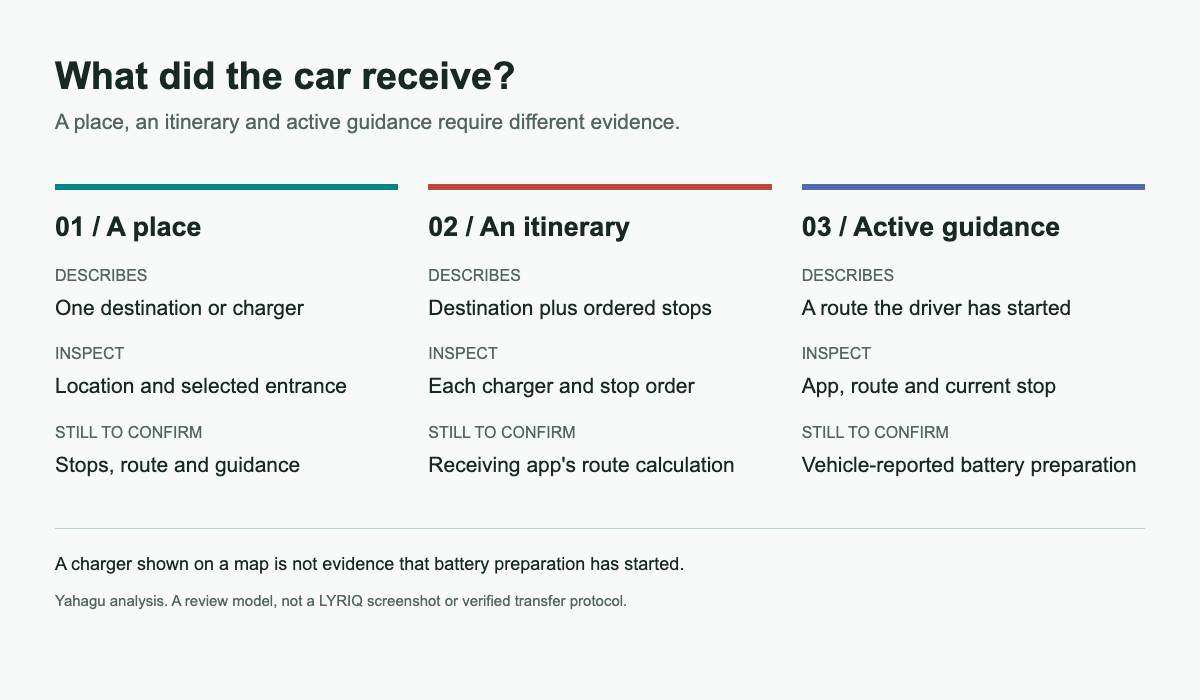
A driver plans a long trip on a phone, chooses a charging stop and gets into the car. The destination appears on the dashboard. Has the car received a place, an itinerary, or a charging-aware route?
Those results can look similar until the driver needs the battery ready for a fast charge. For a cockpit team, the useful review question is which application owns the next part of the journey and what information it received.
Cadillac's US 2027 LYRIQ page lists wireless Apple CarPlay and Android Auto alongside Google built-in. That establishes advertised coexistence on this model; it does not establish identical navigation capabilities or a reversal of policy across GM's electric vehicles. [1]
This case examines public documentation, not a vehicle test. The detailed charging description below comes from Cadillac's separately labelled 2026 LYRIQ page. It should not be treated as a verified 2027 software specification or applied to another market without checking that vehicle's documentation.
One trip, several applications
Cadillac describes trip planning in the myCadillac mobile app and in-vehicle route planning through Google built-in Maps. Its 2026 FAQ associates the latter with charging locations, predicted battery level on arrival and Fast Charge Prep. It says that adding a fast-charge station through the infotainment map pin starts preparation automatically, subject to equipment and temperature conditions. [2]
The distinction matters when someone says they used "Google Maps." Google's own help also describes using Maps through CarPlay. The app name alone therefore does not identify whether the driver used the phone-projected experience or the vehicle's built-in one. [3]
For a reproducible test, record the application entry point. Include the phone, the vehicle model year, market and software version. A defect report that says only "navigation did not prepare the battery" leaves the next engineer guessing which route source to investigate.
A saved place is not evidence of a transferred trip
Cadillac identifies a place to look before testing the handoff: the Charging app's Charge Assist / Routes view. Its support page says routes created and saved in the mobile app appear there in the vehicle. Charge Assist requires a myCadillac account and uses the same sign-in information. The page does not specify a model year or software version, so this is a documented path to check against the vehicle's own manual, not a promise that every LYRIQ has the same interface. [6]
That answers where a saved route can appear. It does not establish that opening the car's Google Maps automatically resumes that route, retains every intermediate stop, or starts battery preparation. A saved route in Charge Assist and active guidance in Maps are separate results to inspect.
A historical LYRIQ owner discussion illustrates the uncertainty. One participant asked how to move a planned route from myCadillac into built-in Maps while retaining battery preparation for an intermediate stop. They described seeing historical places sync, but not an active route. That is an anecdotal report from an older discussion, not evidence of current behavior or a measured failure rate. It is useful as a question to reproduce on a specified build. [4]
The proposed test is straightforward. Plan a journey with a deliberately chosen intermediate charger. Choose a second possible charger nearby, so that substituting a destination or recalculating a route would be detectable. Then transfer the plan using the supported method and inspect what arrives.
This is an acceptance-test proposal. It does not claim that LYRIQ drops these fields, or that every transfer method promises to preserve them. If the supported operation sends only a destination, label it that way and test it against that narrower promise.
| Object to inspect | Evidence to capture | Mistake the test is intended to catch |
|---|---|---|
| Final destination | Place name and precise location in both applications | Assuming matching names identify the same entrance or destination |
| Intermediate charging stop | Selected station and stop order | Treating the final destination alone as the complete itinerary |
| Active route | Which application has started guidance | Confusing a saved item with an accepted journey |
| Arrival estimate | Whether the receiving system provides a fresh estimate | Assuming a phone's earlier estimate belongs to the new route |
| Battery preparation | The vehicle's reported preparation state, when available | Inferring preparation from the presence of a charger icon |
Make the receiving application visible
The driver should not have to infer the receiving application from a familiar map color. A useful handoff confirmation would identify the destination and where it will open. If the operation transfers a full itinerary, it should make the retained stops inspectable before departure. If it transfers one place, it should avoid language that promises the entire trip.
Consider a driver who changes the charger after the handoff. The team needs to decide whether that edit affects only the phone plan or the active in-car route. Silently retaining two different versions of the trip would make subsequent support conversations difficult even when both applications work as designed.
A release test should therefore include changing an intermediate stop after transfer, cancelling guidance, and resuming the trip. Capture each application's displayed destination and stop list. These checks establish the product's actual boundary without presuming that every application must synchronize continuously.
Battery preparation has a documented manual entry too
Automatic preparation through built-in navigation is not the only path Cadillac describes. Under Next Charge / Charge Now, the Charging app support page says the driver can select Start to prepare the battery while on the way to a fast-charging station. This is a manual action in the vehicle's Charging app, not evidence that a map projected through CarPlay sends the same command. The support page does not identify the model years that use this particular layout. [6]
The same page also describes cabin preconditioning under Charge Later and temperature settings. Those controls concern the cabin; they should not be confused with preparing the battery for DC charging. A support report that says only 'preconditioning is on' has not yet identified which function was enabled.
For a cockpit comparison, distinguish the documented automatic navigation trigger from the documented manual battery-preparation action. Then verify the actual controls and reported state on the chosen vehicle. A missing automatic trigger does not by itself establish that manual preparation is unavailable. Neither path guarantees a particular charging speed.
Do not turn preparation into a charging-speed promise
The FAQ describes a preparation feature, not a guarantee that a particular charging session will reach a specified power. A product review should keep the indication that preparation has started separate from evidence of battery readiness and from the charging session itself.
For the interface, the immediate question is what the driver can verify before arrival. For validation, it is which evidence would justify a claim about preparation on the tested configuration. A photograph of a route line can establish neither battery condition nor charging performance.
This also limits comparison tables. Do not mark CarPlay "no battery preparation" solely because the built-in feature is documented. Absence of a feature description is not a negative test result. A comparison needs evidence for each application, vehicle integration and version being compared.
Review the journey rather than the compatibility badge
For teams comparing cockpit systems, CarPlay support is an entry in the capability list. The next review should follow one chosen charging trip through planning, transfer, guidance and arrival preparation.
The useful deliverable is a filled comparison of what each tested path retains, recalculates and exposes to the driver. Keep unsupported paths distinct from untested ones. That lets a product team decide whether to improve the transfer, clarify its limits, or offer a different route into the in-car task, using evidence from the journey rather than an argument about which ecosystem should win.
Open questions
- Product / UX
- Does the handoff promise one destination or a full itinerary, and can the driver inspect what arrived?
- Engineering
- Which application owns route recalculation and later changes to intermediate stops?
- Validation
- What vehicle-reported evidence confirms battery preparation on the exact model, market and software build?
Sources & scope
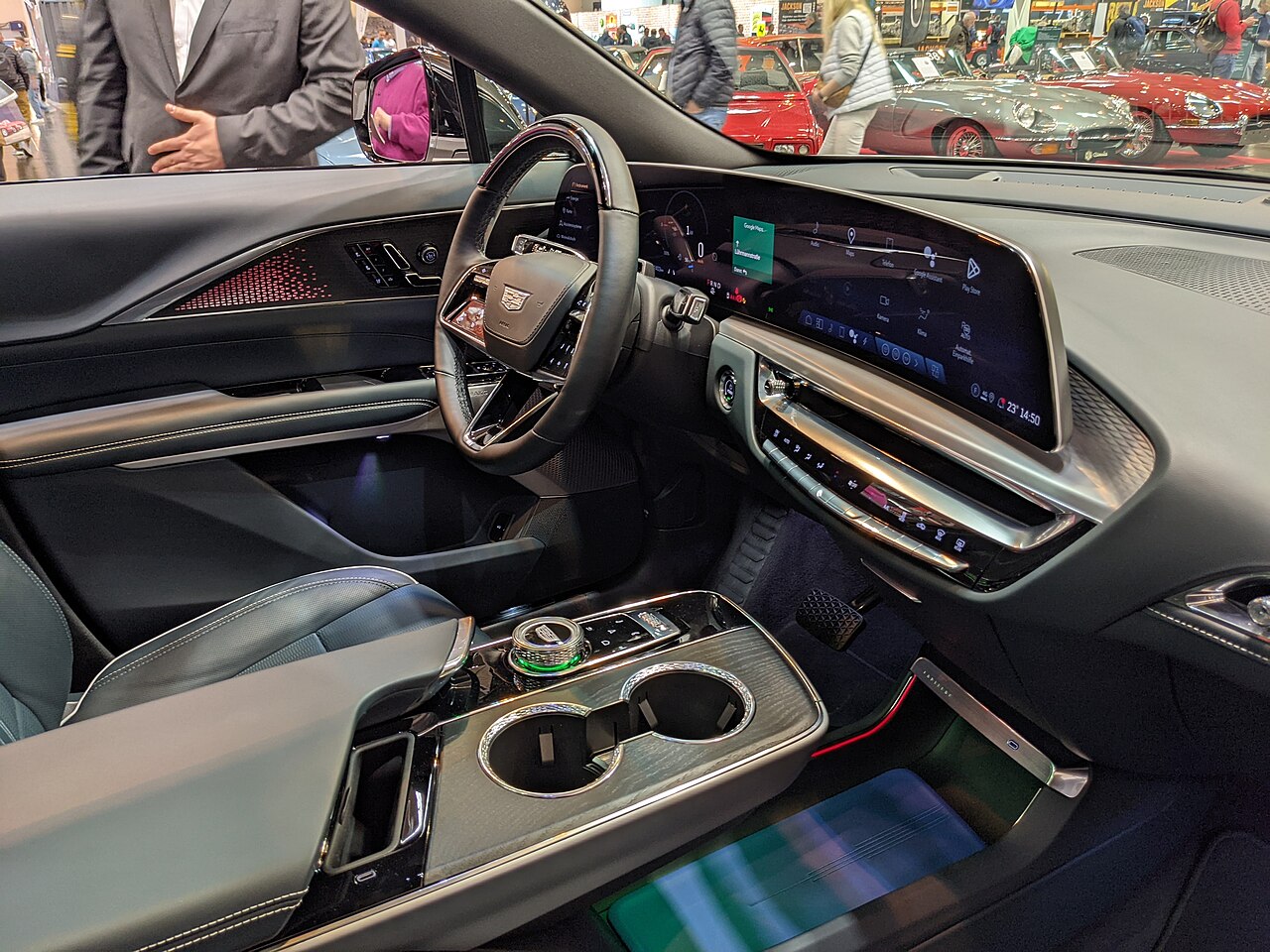
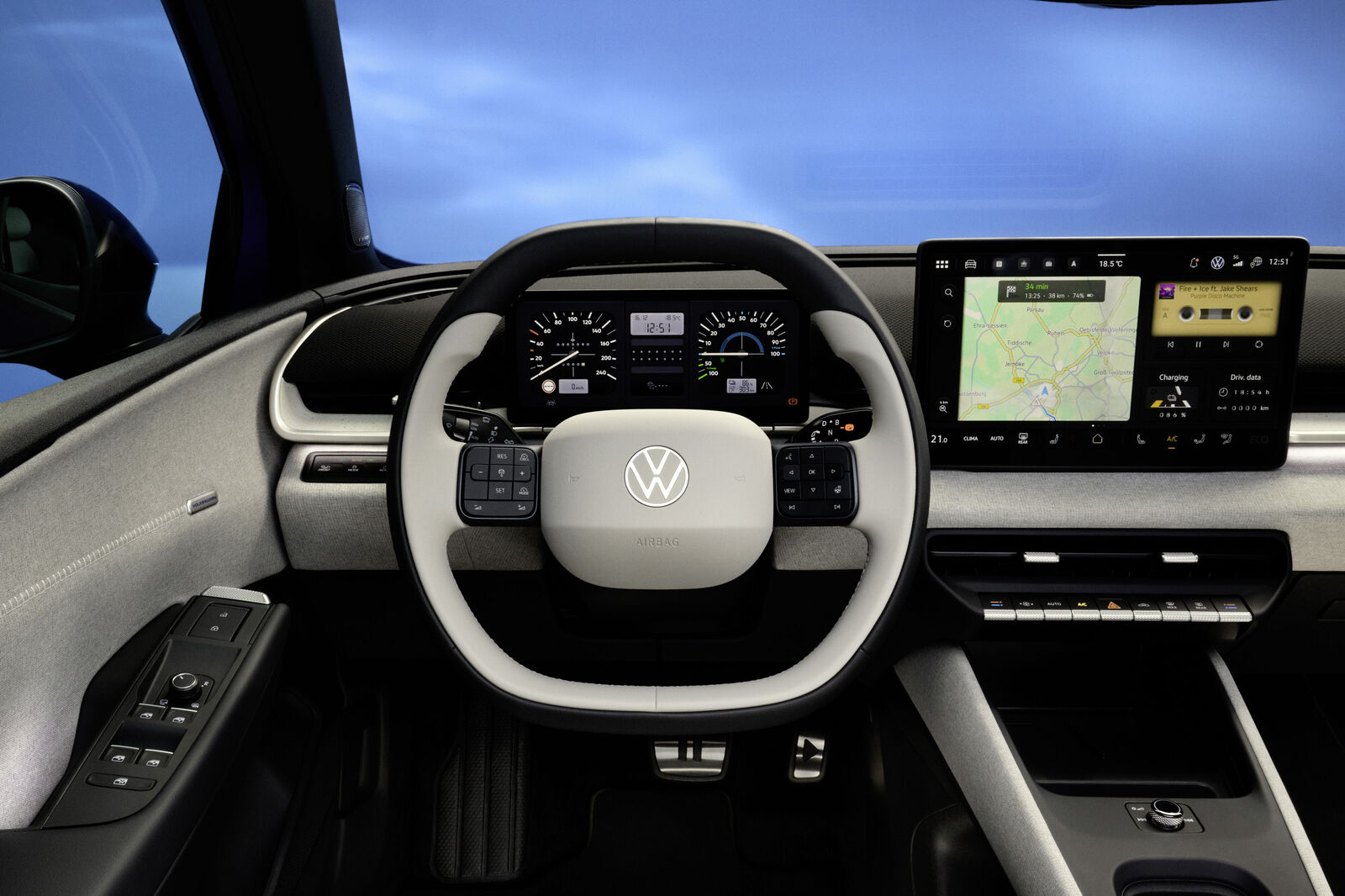
Not a vehicle test. Do not apply the 2026 charging description to 2027 software or another market without verification. The exhibition photograph is context only. The task diagram and acceptance checks are Yahagu's proposals; older owner reports do not establish current defects.
- 2027 LYRIQEnglish original · Checked 10 September 2026
- 2026 LYRIQ charging and route-planning FAQEnglish original · Checked 10 September 2026
- Google Maps on CarPlayEnglish original · Checked 10 September 2026
- Owner discussion: Route PlannerEnglish original · Checked 10 September 2026
- Context photograph, author and reuse licenseEnglish original · Photographed 10 April 2025; license checked 10 September 2026
- Cadillac in-vehicle Charging app: Next Charge and Charge AssistEnglish original · Checked 12 September 2026; model year not specified
What would you add?
Share a different implementation, flag a correction, or tell us where this analysis helps with your work. A public source link is welcome.
Your message and email are stored privately for handling this request. Do not include confidential product information.
Related analysis
 01
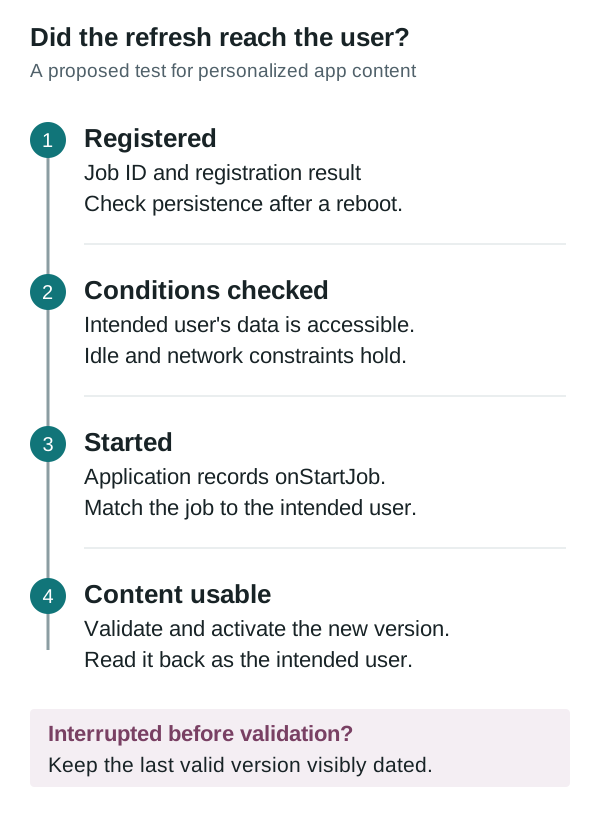
01Why a parked car can still miss a background refresh
Garage Mode supplies an idle work window, not proof that a user's content refreshed. Compare job registration, user-data access, execution and the version available after an interruption.
 02
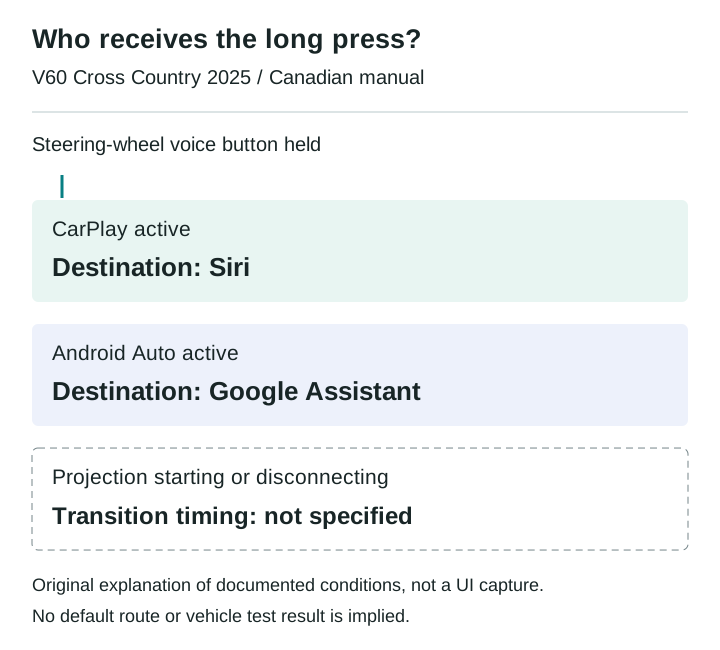
02Which assistant owns the steering-wheel voice button?
The Canadian 2025 V60 Cross Country manual assigns the same long press to different phone assistants. A disconnect scenario shows what an integration test must record before judging media commands.
 03
03Choosing when to commit an Android SDV update
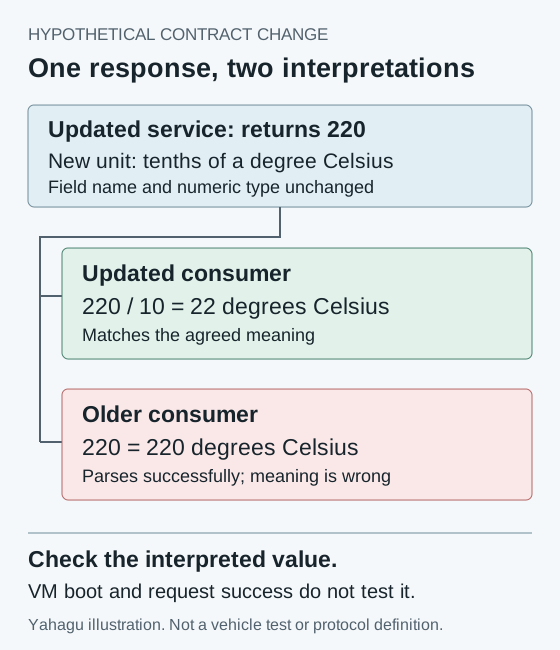
A VM can boot successfully while its consumers disagree about a changed service. A worked compatibility example explains what an integrator should verify before committing an Android SDV update.
 04
04Audio focus loss is not proof of silence
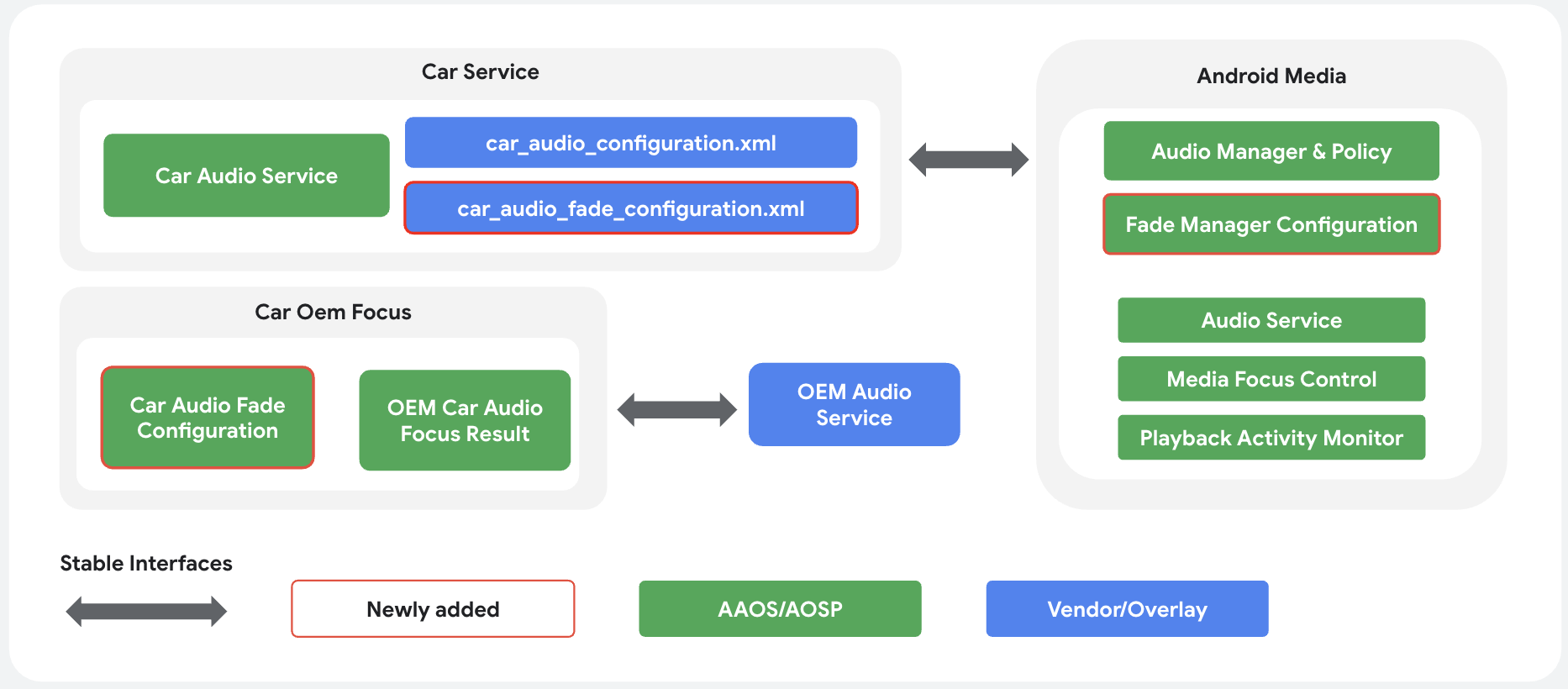
A navigation prompt interrupts music. The focus log looks correct, but it cannot tell you what reached the driver's seat. An AAOS review needs separate evidence for policy, player behavior and output.
 05
05A readable temperature is not a successful climate command
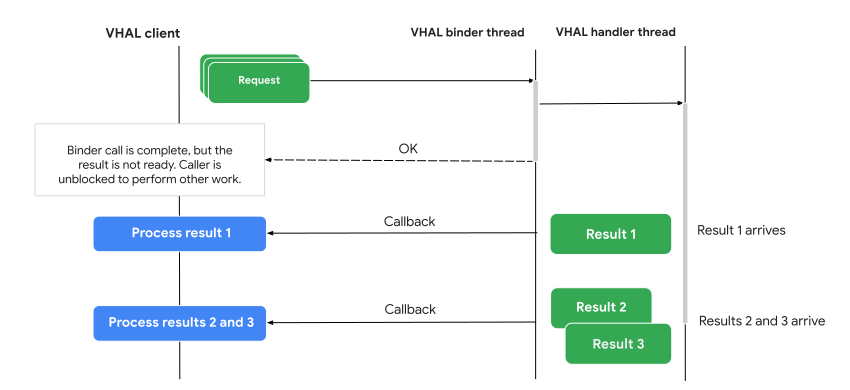
A climate control can show a valid temperature and still fail to change it. For an AAOS integration, the useful distinction is between the reported target, the pending request and the temperature the system measures.
 06
06Passenger displays need their own restriction contract
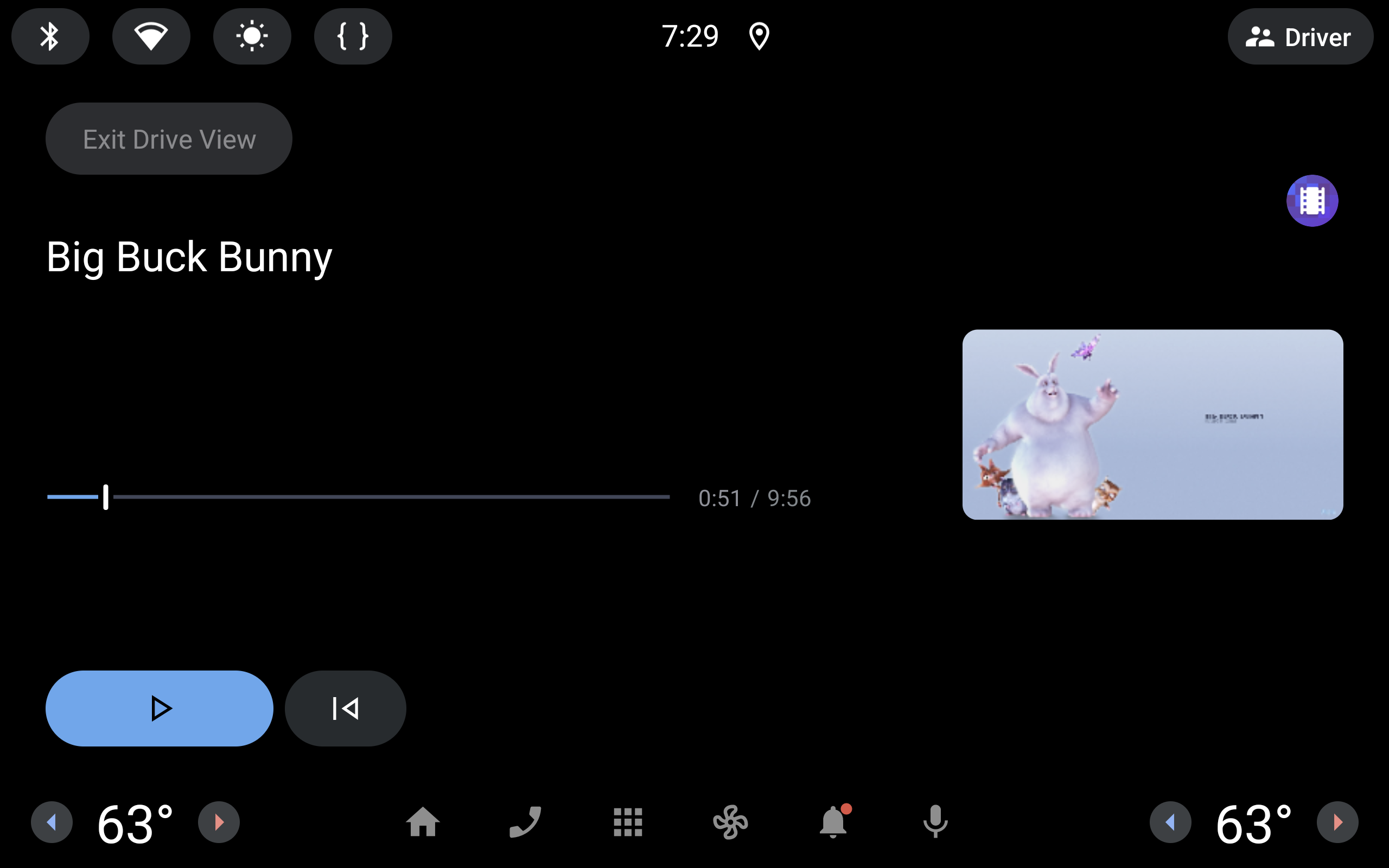
A passenger video experience cannot rely on one vehicle-wide moving flag. AAOS separates display restrictions, activity blocking and supported background audio. Here is how those boundaries change an integration review.
 07
07Physical buttons still need a state model
Volkswagen gives climate and audio tasks fixed locations. BMW's announced steering wheel highlights actions as they become available. An interrupted call shows why both hardware and software state belong in the review.
 08
08Car app sign-in: what happens after the phone says done?
The phone approves the account, but the car still needs a result. A review of parked sign-in, delayed authorization and recovery paths that send drivers back to the right task.
 09
09Four screens between a saved place and turn-by-turn navigation
A close reading of Google's navigation example: where a place becomes a route, why a familiar layout still consumes another step, and what Back must preserve.