Passenger displays need their own restriction contract
A passenger video experience cannot rely on one vehicle-wide moving flag. AAOS separates display restrictions, activity blocking and supported background audio. Here is how those boundaries change an integration review.
Yahagu Research · Published 2026-09-22 · Sources checked 2026-09-22 · 5 min read
AAOS parked and video app documentation checked in September 2026. A platform integration case, not a test of a particular vehicle or a description of HarmonyOS behaviour.
A movie changes screens
Consider a proposed cockpit with a passenger display and a driver-facing centre display. A passenger starts a movie while parked. The vehicle begins moving. Later, someone tries to move that experience to the centre display. A specification that says only 'video is available on the passenger screen' leaves the second transition unresolved.
For this review scenario, assume the configured policy permits the original passenger experience but restricts the destination. That is an illustrative configuration, not a claim that every passenger display permits video in motion. The transfer needs an explicit outcome: which surface may show the content, what happens to playback, and what the user sees when the destination cannot host it.
The engineering decision is to make that outcome part of the display handoff. Carrying an old 'allowed' flag alongside the movie would carry a decision made for another context. Product teams can specify a refused transfer or another supported experience, but should not leave the choice to whichever component reacts first.
Read restrictions in the display context
Android's parked-app guide directs applications to CarUxRestrictionsManager rather than deriving UX restrictions from speed or gear. Its reason is that restrictions can differ between displays. The guide identifies isRequiresDistractionOptimization as the relevant restriction value for these parked apps. [1]
At the platform level, AOSP documents restriction mappings by physical display port and configurable modes. It also distinguishes saving a new configuration from activating it: the service loads it after restarting with the vehicle in Park. These are integration mechanisms and examples, not the configuration of a named production car. [2]
For a multi-display review, ask the integration owner to demonstrate which display the activity and its restriction observation belong to. Include the destination after a transfer. Merely printing a vehicle speed alongside a screen capture would not establish that relationship. A useful trace identifies the activity, display, received restriction and resulting presentation at the same point in the transition.
A covered activity and continuing audio can coexist
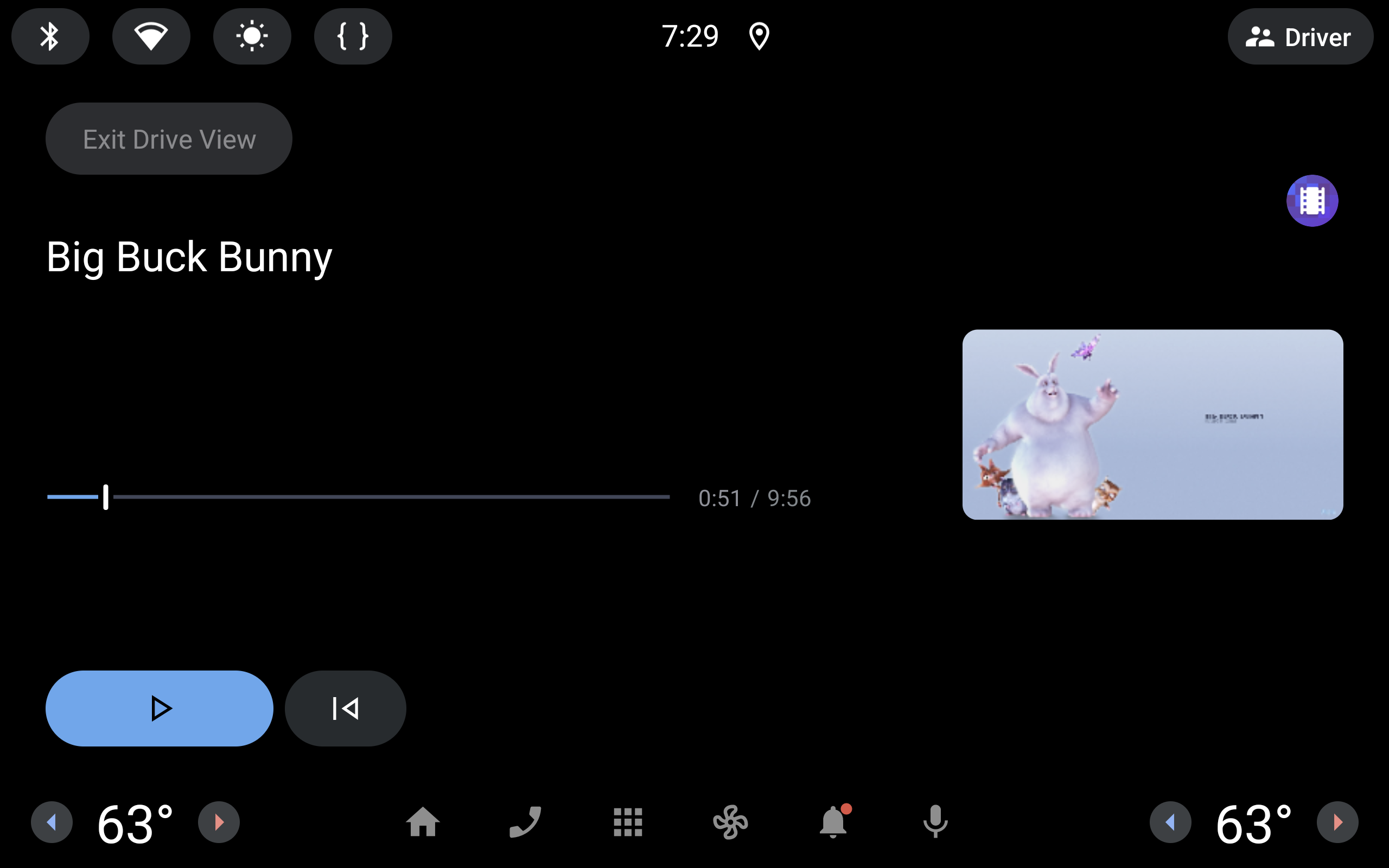
For an ordinary parked app, the guide describes system blocking of the activity when restrictions activate. The activity reaches at least Paused; compatibility mode takes it through to Stopped. The app must handle playback accordingly. An activity disappearing from view is therefore insufficient evidence that the media pipeline has stopped. [1]
Android also documents a supported audio-while-driving path for video apps. It uses the com.android.car.background_audio_while_driving feature declaration, a runtime capability check, background playback and a media notification. On unsupported devices, the ordinary restriction requirements still apply. This is not permission to keep showing moving video on a restricted display. [3]
The official example below is useful because it shows a different presentation for media control. It does not establish passenger occupancy detection, a successful screen transfer or the behaviour of any vehicle on sale. Its static artwork should not be mistaken for evidence of video continuing to play.
Make the handoff observable
For the proposed movie transfer, capture the destination policy before treating the destination as usable. If transfer is refused, report that refusal on an allowed surface without silently changing another screen's playback. If the product offers a supported audio-only continuation, give that path its own visible state and acceptance criteria. These are proposed design outcomes, not behaviours verified in AAOS or an OEM implementation.
The distinction matters when two teams each believe the other owns the transition. A window team may correctly prevent the destination activity from appearing while a media team leaves the shared player running. Neither log alone explains the user experience. The review needs a single expected result across presentation, playback and user feedback.
Use the following matrix to agree that result before testing. It deliberately separates the ordinary parked-app path from the supported audio path; an unconditional assertion that all sound must stop would reject a documented capability.
| Transition | Evidence to capture | Expected review outcome |
|---|---|---|
| Driver-facing activity becomes restricted | Restriction callback, lifecycle and player state | Ordinary parked playback stops; a covered window alone is insufficient evidence. |
| Passenger context remains permitted | Policy associated with that display and activity | Evaluate that context; do not substitute a vehicle-wide moving flag. |
| Media play command arrives while restricted | Command receipt and actual player response | No unsupported resumption. Evaluate supported audio-only continuation separately. |
| Experience moves to another display | Destination policy, transfer result and both surfaces | Do not inherit permission from the source display; explain a refused transfer. |
| Restriction configuration is replaced | Saved configuration and active configuration | Distinguish persistence from activation before assigning an application defect. |
Choose the test environment before trusting a pass
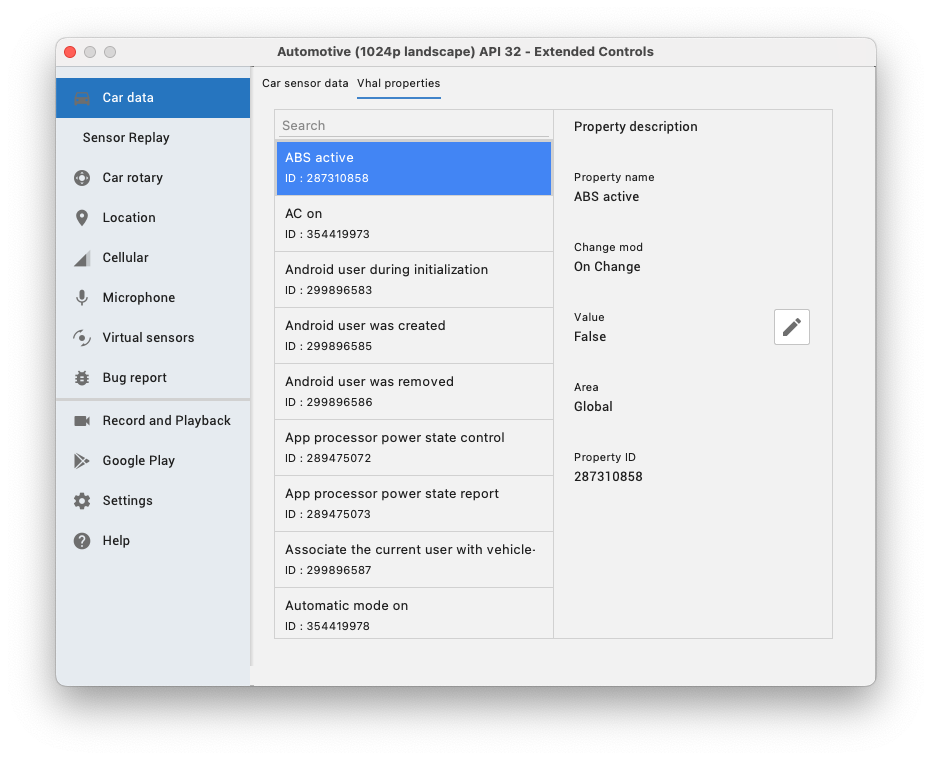
The emulator documentation separates system images from hardware profiles and lists capabilities by image revision. A wide display profile addresses geometry; it does not establish the audio or compatibility-mode behaviour of the selected image. Record both when reporting results. [4]
The official extended-controls image below shows the VHAL properties panel with ABS active selected. It demonstrates where vehicle properties can be inspected or changed in that example. It is not a capture of this article's scenario, and changing that selected property is not the proposed test. [4]
For ordinary parked playback, Android's guide includes a test on an image without compatibility mode: attempt launch while driving, then start playback while parked and simulate driving again. It also checks that a media-session play command cannot resume playback. [1] For the optional audio path, test a supported image and an unsupported device path rather than reporting one general 'video passed' result. [3]
For our transfer scenario, add observations of both displays to the platform checks. If a screen stays black, record whether the system blocked it, the app failed to launch, or the content failed to load. Those outcomes look similar in a photograph but require different fixes. This added diagnostic sequence is an editorial proposal and has not been run here.
Agree on the rejected transition too
A product review should leave the app, window and media teams with the same description of a refused transfer. Specify where the explanation appears, whether the original experience remains available, and what a later return to an allowed state permits. Do not make an automatic restart an accidental consequence of recreating an activity.
Keep configuration evidence beside the result: target system revision, display mapping, active restriction and relevant media capability. Without that record, a pass on one system can become an unsupported claim about another. None of these checks replaces vehicle-level validation or market-specific requirements.
For an AAOS passenger entertainment feature, the deliverable should be a defined behaviour for each display transition, including refusal and recovery. Counting screens or demonstrating playback while parked cannot answer those questions.
Open questions
- Product
- What remains available to the passenger when the requested destination refuses the experience?
- Integration
- Can the team identify the display context behind each restriction observation?
- Validation
- Are ordinary playback and supported background audio verified as separate capability paths?
Sources & scope
No vehicle or emulator test was performed for this article. The transition matrix is a proposed integration review, not a certification procedure. Display policy, platform revision and audio capability must be verified on the target system.
- AAOS parked-app integration guideEnglish original · Updated 8 September 2026; checked 22 September 2026
- AOSP Car User Experience Restrictions rulesEnglish original · Checked 22 September 2026
- Build video apps: audio while drivingEnglish original · Updated 15 September 2026; checked 22 September 2026
- Test using the Android Automotive OS emulatorEnglish original · Checked 22 September 2026
- Android content and image licensingEnglish original · Checked 22 September 2026; image attribution
What would you add?
Share a different implementation, flag a correction, or tell us where this analysis helps with your work. A public source link is welcome.
Your message and email are stored privately for handling this request. Do not include confidential product information.
Related analysis
 01
01Physical buttons still need a state model
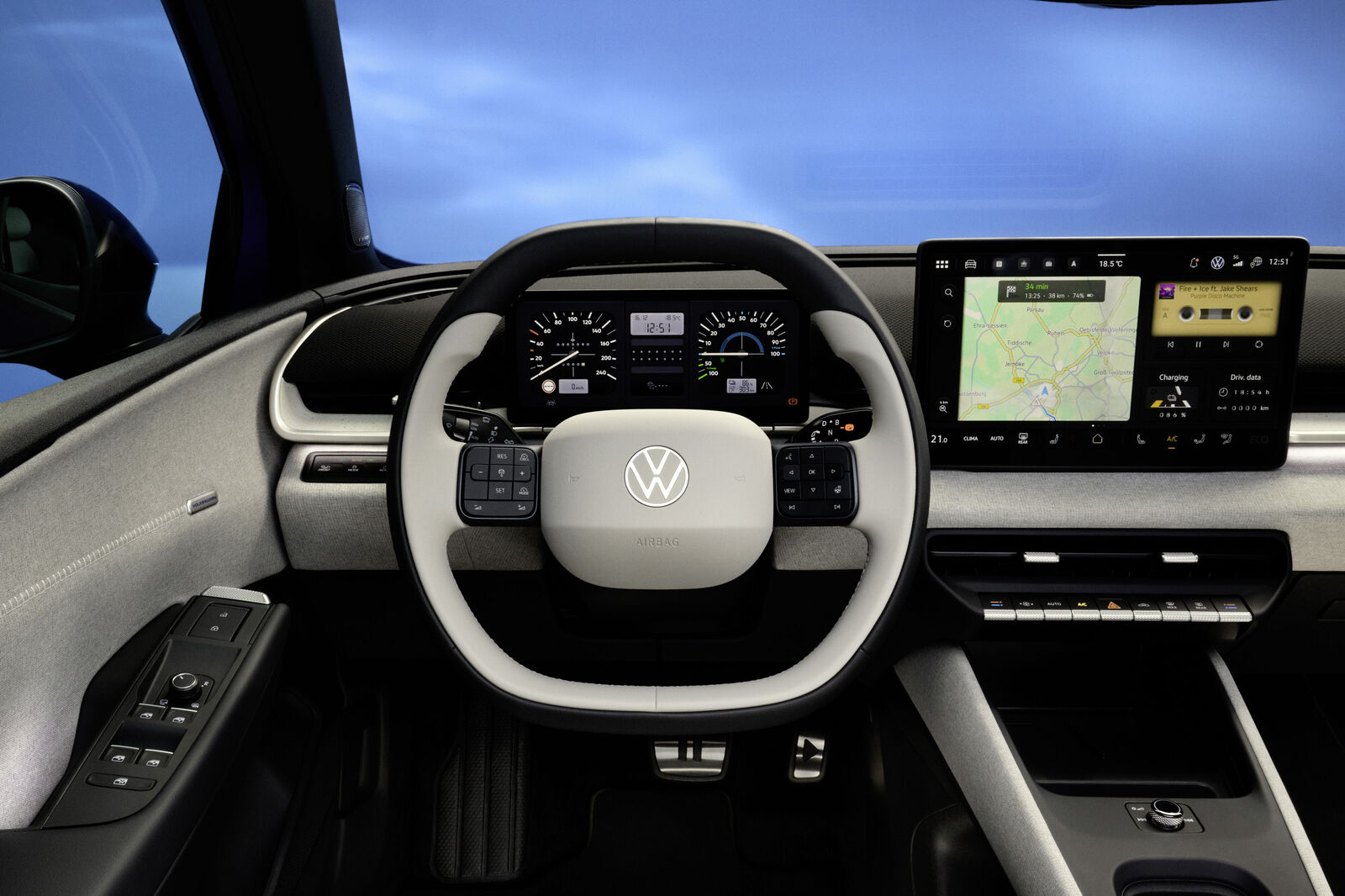
Volkswagen gives climate and audio tasks fixed locations. BMW's announced steering wheel highlights actions as they become available. An interrupted call shows why both hardware and software state belong in the review.
 02
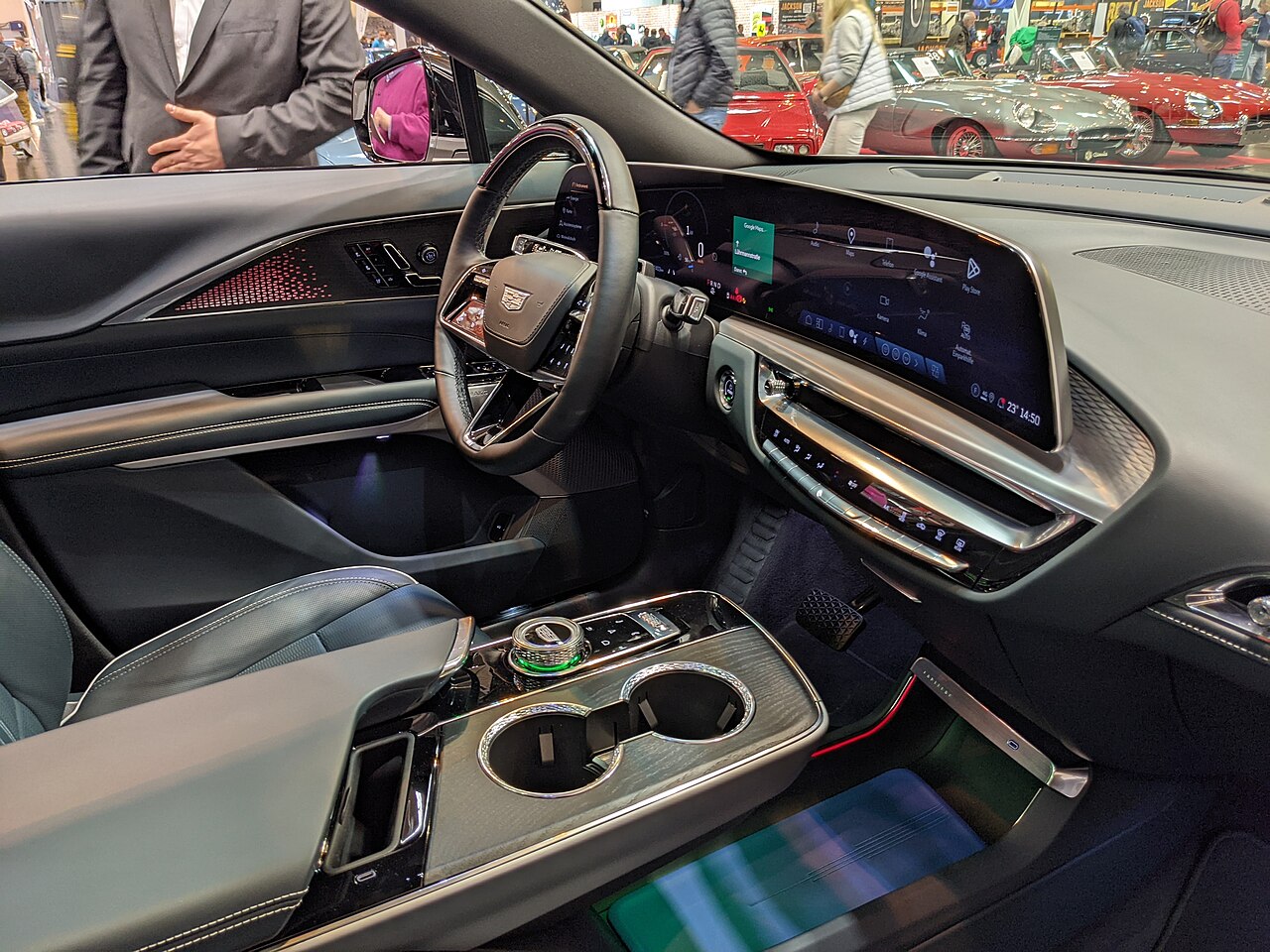
02The LYRIQ supports CarPlay. Which system plans the charging stop?
A charging trip can cross a phone planner, projected maps and built-in navigation. The useful comparison is what each path retains, recalculates and confirms before arrival.
 03
03Car app sign-in: what happens after the phone says done?
The phone approves the account, but the car still needs a result. A review of parked sign-in, delayed authorization and recovery paths that send drivers back to the right task.
 04
04Four screens between a saved place and turn-by-turn navigation
A close reading of Google's navigation example: where a place becomes a route, why a familiar layout still consumes another step, and what Back must preserve.