The phone-to-cockpit handoff starts before the first app opens
Huawei's Super Home Screen documentation puts account identity, permission and reconnection at the centre of a seemingly simple app handoff.
Yahagu Research · Published 2026-09-08 · Sources checked 2026-09-08 · 2 min read
China support documentation; HarmonyOS 3.0 connection flow, with a separate 5.x/6.x support note. No vehicle-specific availability claim.
- 01Discover device
- 02Confirm identity
- 03Allow connection
- 04Open phone app
What the documentation establishes
For proximity-based connection, Huawei's HarmonyOS 3.0 instructions require WLAN and Bluetooth, the same Huawei account on both devices, and permission on the phone for the first connection. The cockpit can then open phone apps. The instructions also describe automatic reconnection and ways to disconnect. [1]
A separate support note covering HarmonyOS 5.x and 6.x places the feature under multi-device collaboration settings and says third-party app adaptation is ongoing. That is a different version context, not proof that every earlier combination remains supported. [2]
The product decision is who owns the session
Our interpretation: an app catalogue is only one part of the experience. A shared vehicle also needs an intelligible answer to whose account is active, what the passenger can see, and what remains after the phone leaves. Those questions belong in product requirements before teams count supported apps.
For UX, treat first use and returning use as distinct tasks. First use needs an understandable permission decision. Returning use needs visible session ownership and an accessible disconnect action. An invisible successful connection can still be a confusing experience.
Separate transport from user-visible state
For implementation review, ask the team to identify where connection, authentication and app-session state are held. This is a proposed review approach, not a claim about Huawei's internal architecture. Losing a radio connection and signing out of an account need not mean the same thing.
For release planning, record the phone OS, cockpit build and app version together. A support document is a useful starting point for a compatibility test, not a substitute for running that test. Do not carry a successful result on one combination into every vehicle trim or overseas market.
Open questions
- Product
- Whose session should appear when two previously connected phones are present?
- UX / HMI
- Can the user identify the active phone and disconnect without entering the app?
- Engineering
- What state survives loss of connectivity, phone lock and account sign-out?
- Validation
- Have first use, reconnect and app availability been tested for the exact version pair?
Sources & scope
Document review, not a vehicle test. App compatibility, driving-state restrictions and reconnect timing need verification on the target phone and vehicle build.
- Share phone apps with Super Home Screen
超级桌面实现桌面应用共享
Chinese original; title translated by Yahagu · Publication date not stated; checked 8 Sep 2026 - Finding phone-to-car services and supported app handoff
负一屏找不到手机车机互联服务/无法使用流转和超级桌面/找不到支持流转的应用列表?
Chinese original; title translated by Yahagu · Publication date not stated; checked 8 Sep 2026
What would you add?
Share a different implementation, flag a correction, or tell us where this analysis helps with your work. A public source link is welcome.
Your message and email are stored privately for handling this request. Do not include confidential product information.
Related analysis
 01
01Why a parked car can still miss a background refresh
Garage Mode supplies an idle work window, not proof that a user's content refreshed. Compare job registration, user-data access, execution and the version available after an interruption.
 02
02Which assistant owns the steering-wheel voice button?
The Canadian 2025 V60 Cross Country manual assigns the same long press to different phone assistants. A disconnect scenario shows what an integration test must record before judging media commands.
 03
03Choosing when to commit an Android SDV update
A VM can boot successfully while its consumers disagree about a changed service. A worked compatibility example explains what an integrator should verify before committing an Android SDV update.
 04
04Audio focus loss is not proof of silence
A navigation prompt interrupts music. The focus log looks correct, but it cannot tell you what reached the driver's seat. An AAOS review needs separate evidence for policy, player behavior and output.
 05
05A readable temperature is not a successful climate command
A climate control can show a valid temperature and still fail to change it. For an AAOS integration, the useful distinction is between the reported target, the pending request and the temperature the system measures.
 06
06Passenger displays need their own restriction contract
A passenger video experience cannot rely on one vehicle-wide moving flag. AAOS separates display restrictions, activity blocking and supported background audio. Here is how those boundaries change an integration review.
 07
07Physical buttons still need a state model
Volkswagen gives climate and audio tasks fixed locations. BMW's announced steering wheel highlights actions as they become available. An interrupted call shows why both hardware and software state belong in the review.
 08
08The LYRIQ supports CarPlay. Which system plans the charging stop?
A charging trip can cross a phone planner, projected maps and built-in navigation. The useful comparison is what each path retains, recalculates and confirms before arrival.
 09
09Car app sign-in: what happens after the phone says done?
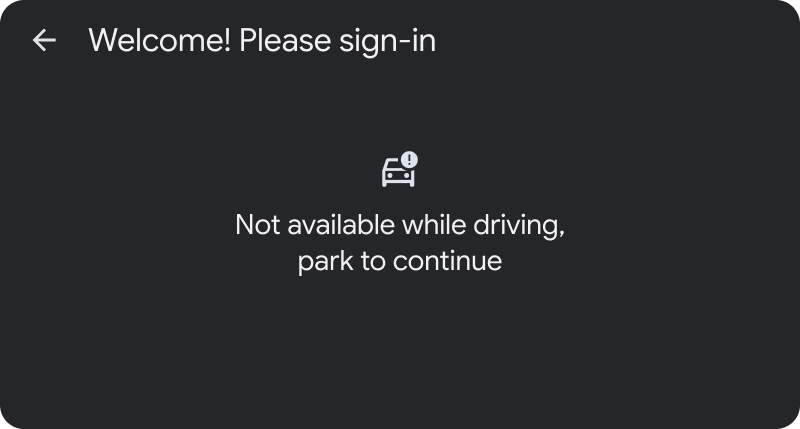
The phone approves the account, but the car still needs a result. A review of parked sign-in, delayed authorization and recovery paths that send drivers back to the right task.
 10
10Four screens between a saved place and turn-by-turn navigation
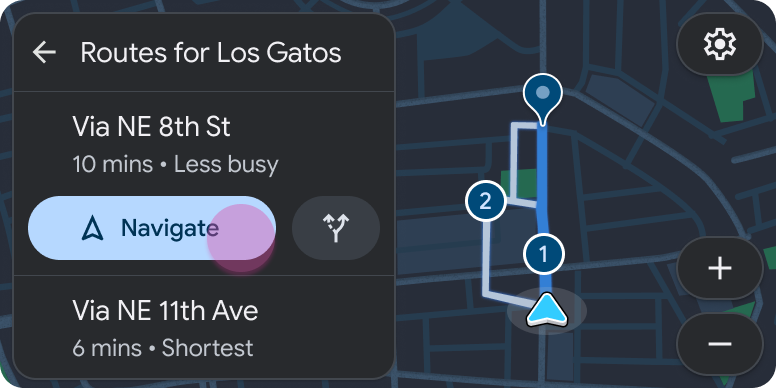
A close reading of Google's navigation example: where a place becomes a route, why a familiar layout still consumes another step, and what Back must preserve.