Why a rotary controller loses its place after a screen update
A button can look unchanged while its focus target disappears. AOSP's rotary guidance separates input-mode handover, navigation regions and view replacement, with different fixes for each.
Yahagu Research · Published 2026-10-28 · Sources checked 2026-10-28 · 6 min read
AOSP Android Automotive OS rotary documentation checked on 27 October 2026. View-based Car UI navigation, not Android Auto phone projection or a verified OEM implementation.
The button returns; the focus does not
Consider a media screen with a refresh button. A driver reaches it with the rotary controller and presses Center. The button becomes a loading indicator, then returns. Touching it still works, but the next turn of the controller no longer continues from the same place. This is a hypothetical failure scenario, not a report from a tested vehicle.
The useful comparison is between the views before and after that update. Did the focused view survive, or did the application remove it and insert a visually identical replacement? AOSP's troubleshooting guidance identifies both replacement and disabling of a focused button as possible reasons for losing focus. A passing touch test does not distinguish them. [1]
For this refresh interaction, I would preserve the focus target while changing its content and busy state, then verify the next rotary action. That recommendation is narrower than keeping every control enabled. An unavailable action must remain blocked, including repeated activation while work is pending.
Rule out a touch-to-rotary handover first
The AOSP overview describes three normal actions: nudge moves between FocusAreas, rotation visits focusable views within an area in Tab order, and Center acts on the focused view. If touch was the last input, the first nudge, rotation or Center press starts rotary mode by focusing a view and is typically otherwise ignored. The word typically matters: this is not a universal rule that every first press must be discarded. [2]
Run the hypothetical refresh sequence once entirely with rotary input, and once after touching the screen. Record when the highlight appears and which view receives the next action. A first press that restores a highlight after touch is different from a highlight disappearing during an already-active rotary sequence. Only the latter directly matches the refresh problem described here.
Android's older Touch Mode explanation warns against treating focus as persistent selection and describes exceptions for text-input widgets. It supplies framework background, not a modern AAOS release contract. Do not set focusableInTouchMode across a screen merely to keep a selection visible. [5]
This analysis concerns View-based AAOS navigation. It does not establish behavior for Android Auto projection, a particular vehicle, or every current Android build. The developer guide retains explicit Android 11 QPR3, Android 11 Car and Android 12 labels on several helpers and attributes. Match those features to the actual platform and Car UI library before adopting them. [1]
A list and a toolbar need different routes
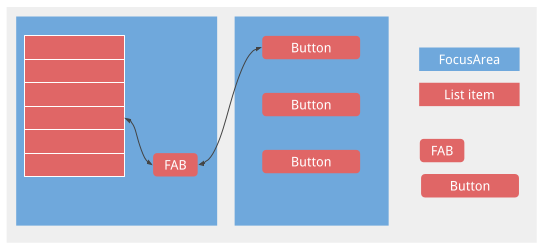
A refresh button that requires dozens of turns to reach may have a region problem rather than a lifecycle problem. AOSP recommends separating toolbars, navigation elements and large lists into appropriate FocusAreas. Without explicit areas, the root acts as one implicit area: rotation can traverse the focusable views, but nudging cannot navigate between regions within the app. Nested FocusAreas are also prohibited because navigation becomes undefined. [1]
The official diagram below shows a different choice: a nudge shortcut reaches a floating action button within the same area, avoiding a trip through the whole list. Such a shortcut can mean one nudge reaches the button and another reaches the adjacent area. It should not be mistaken for a failed first nudge. Shortcut attributes differ between the Android versions listed in the guide. [1]
For the media example, put the long content list and the persistent toolbar in distinct areas unless there is a deliberate reason to use a shortcut. Test reaching Refresh from the middle of a long list, then returning to that list. This is a proposed interaction choice, not a claim about an OEM's layout.
A busy state should not erase the user's place
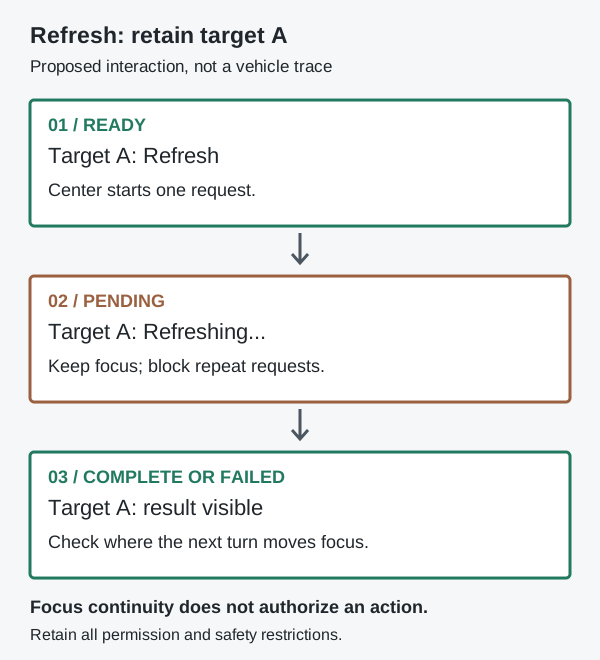
A view must be focusable, enabled, visible and have nonzero dimensions to be eligible for RotaryService focus. Disabling a button during a request therefore changes more than its appearance. Replacing it with a spinner also removes the original target. The guide suggests updating the existing button's icon or text, or keeping a focusable container around changing content. For the container approach, its click listener belongs on the container. [1]
For a temporary loading state, compare those two designs against wholesale button replacement. Keep the request pending for long enough to inspect focus during the update, then test both success and failure. Capture the focused view and its eligibility before activation, during loading and after completion. A screenshot of the final button alone cannot establish continuity.
AOSP also describes a custom visual state that leaves a view eligible for focus while changing how activation behaves. Use that only with an explicit action guard and an explanation of unavailability. Do not remove a genuine permission, driving restriction or other safety condition to retain a highlight. Preserving navigation and authorizing the action are separate decisions.
Avoid making both a wrapper and its child focusable for a single action: the documented result can be two rotary stops for one visible control. Each window also needs the prescribed FocusParkingView outside its FocusAreas, first in focus order. The Car UI base layout already provides one; adding another is not a general focus-loss fix. [1]
Five symptoms, five different checks
These comparisons describe proposed diagnostics, not measured failure rates or confirmed defects. Retain the same build and input sequence while changing one condition.
| Observed symptom | First comparison | Conclusion to avoid |
|---|---|---|
| First press after touch only highlights | Touch-to-rotary handover versus uninterrupted rotary use | The controller lost the press |
| Refresh needs a turn through the entire list | FocusArea boundaries and intended nudge shortcuts | The encoder is too slow |
| Focus disappears while Refresh loads | View identity and focus eligibility across the update | The identical-looking button is the same target |
| One control takes two rotary stops | Wrapper and child focusability | The input driver duplicated a detent |
| Rotation still edits after leaving a control | Direct-manipulation exit and actual screen lifecycle | Back handling alone covers every exit |
Leaving an edit mode is another transition
A focused slider can enter direct manipulation when Center is pressed. Rotation then edits its value rather than moving focus; Back exits that mode. A map can use rotation for zoom and nudges for pan. That is a distinct input state, so a stationary focus highlight is not sufficient evidence that navigation is stuck. [2]
For advanced direct manipulation, the developer guide requires leaving the mode when the owning Fragment or Activity is no longer interactive. Its sample uses onPause. Android's lifecycle guide distinguishes a partially visible paused Activity from a stopped one; visibility alone does not establish the lifecycle state. Verify the lifecycle actually reached on the target screen; do not assume every overlay invokes onPause. Record mode entry, mode exit and the visible cue as well as the focused view. [1][4]
Accept the refresh design only when the next intended rotary action has a visible, reachable target after success, failure and interruption, without re-enabling an unavailable operation. For an editing control, also require a verified return to navigation. Those observations justify a UI fix. If focus and mode remain correct but input is absent, investigate delivery with matching event records; the documentation alone cannot identify a hardware fault.
Open questions
- Reproduction
- Was the preceding action touch, navigation or direct manipulation?
- Update
- Which eligible view owns focus before, during and after loading?
- Acceptance
- Can the next rotary action reach its intended target without bypassing an unavailable action?
Sources & scope
No vehicle or emulator test. Helper APIs and attributes in the cited guide carry Android 11 QPR3, Android 11 Car or Android 12 labels; verify the target build and Car UI library before implementation.
- AOSP: Develop rotary-enabled appsEnglish original · Checked 27 October 2026
- AOSP: Rotary controllerEnglish original · Checked 27 October 2026
- AOSP: Content licenseEnglish original · Checked 27 October 2026
- Android Developers: The activity lifecycleEnglish original · Checked 27 October 2026
- Android Developers Blog: Touch Mode (2008)English original · Historical framework background; checked 27 October 2026
What would you add?
Share a different implementation, flag a correction, or tell us where this analysis helps with your work. A public source link is welcome.
Your message and email are stored privately for handling this request. Do not include confidential product information.
Related analysis
 01
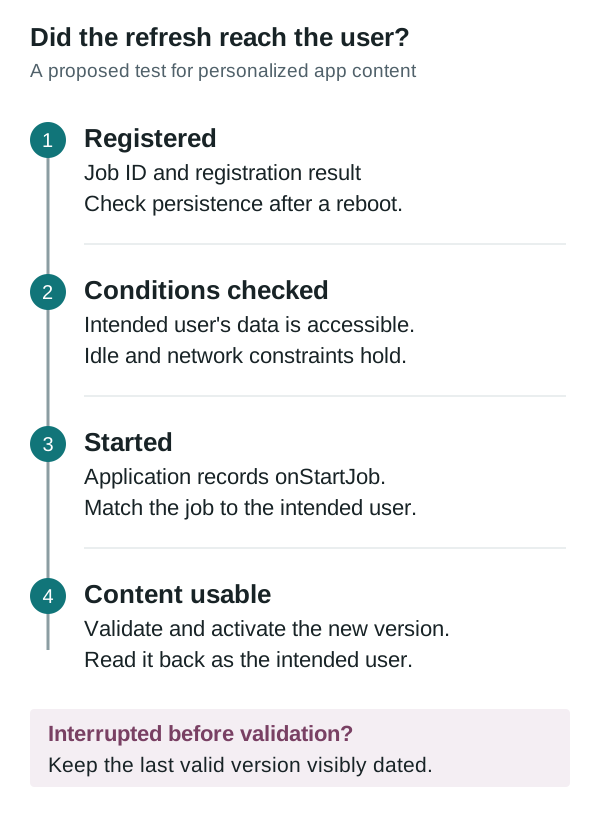
01Why a parked car can still miss a background refresh
Garage Mode supplies an idle work window, not proof that a user's content refreshed. Compare job registration, user-data access, execution and the version available after an interruption.
 02
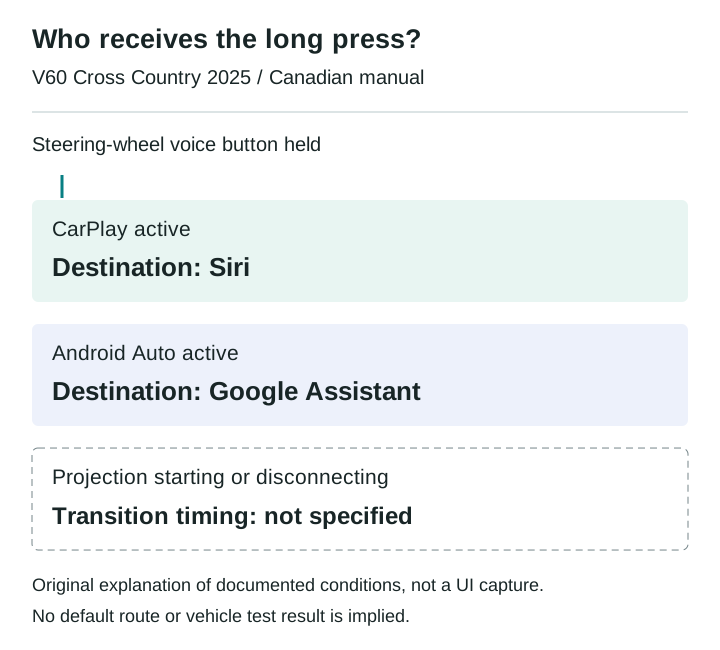
02Which assistant owns the steering-wheel voice button?
The Canadian 2025 V60 Cross Country manual assigns the same long press to different phone assistants. A disconnect scenario shows what an integration test must record before judging media commands.
 03
03Choosing when to commit an Android SDV update
A VM can boot successfully while its consumers disagree about a changed service. A worked compatibility example explains what an integrator should verify before committing an Android SDV update.
 04
04Audio focus loss is not proof of silence
A navigation prompt interrupts music. The focus log looks correct, but it cannot tell you what reached the driver's seat. An AAOS review needs separate evidence for policy, player behavior and output.
 05
05A readable temperature is not a successful climate command
A climate control can show a valid temperature and still fail to change it. For an AAOS integration, the useful distinction is between the reported target, the pending request and the temperature the system measures.
 06
06Passenger displays need their own restriction contract
A passenger video experience cannot rely on one vehicle-wide moving flag. AAOS separates display restrictions, activity blocking and supported background audio. Here is how those boundaries change an integration review.
 07
07Physical buttons still need a state model
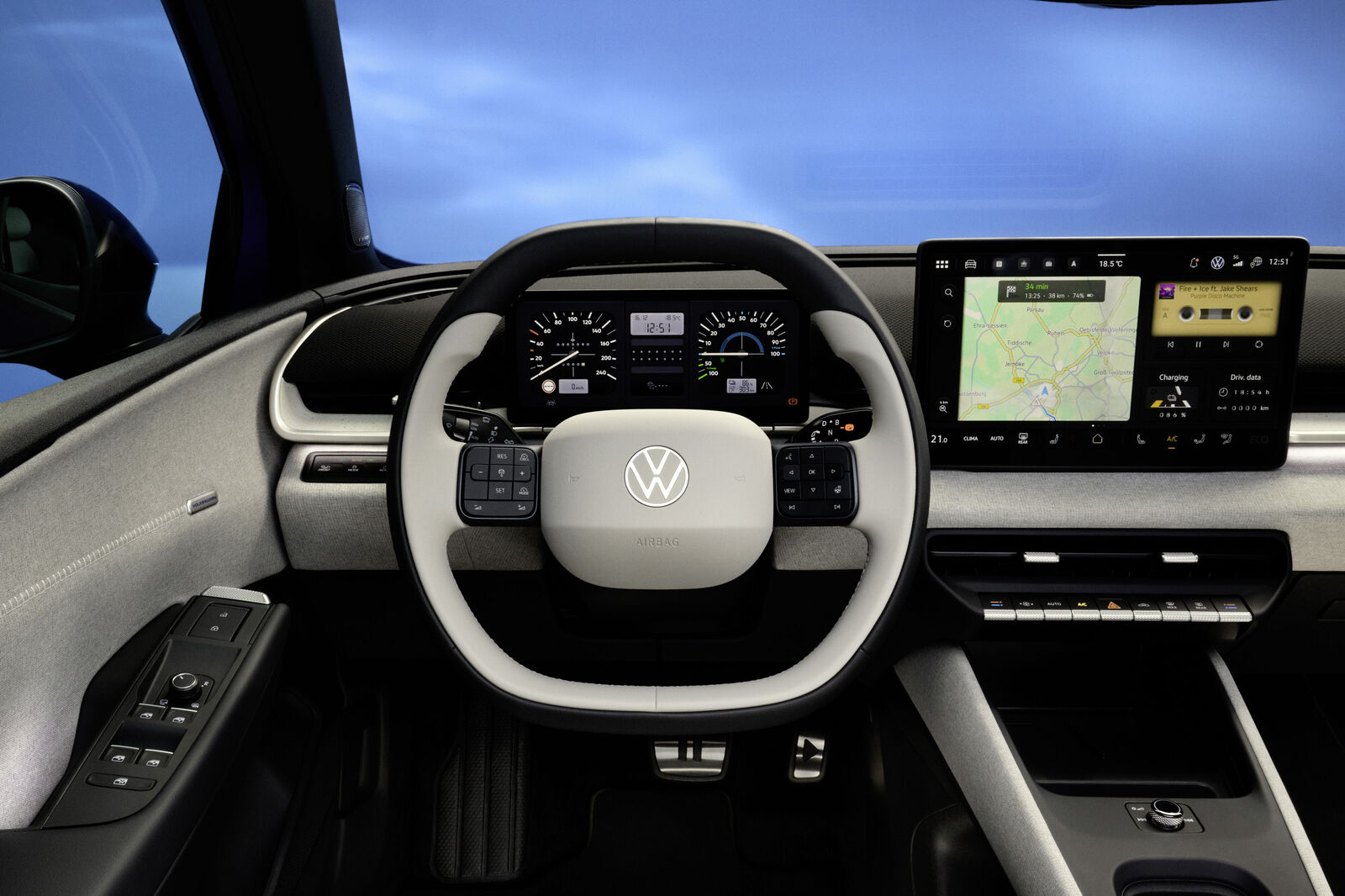
Volkswagen gives climate and audio tasks fixed locations. BMW's announced steering wheel highlights actions as they become available. An interrupted call shows why both hardware and software state belong in the review.
 08
08The LYRIQ supports CarPlay. Which system plans the charging stop?
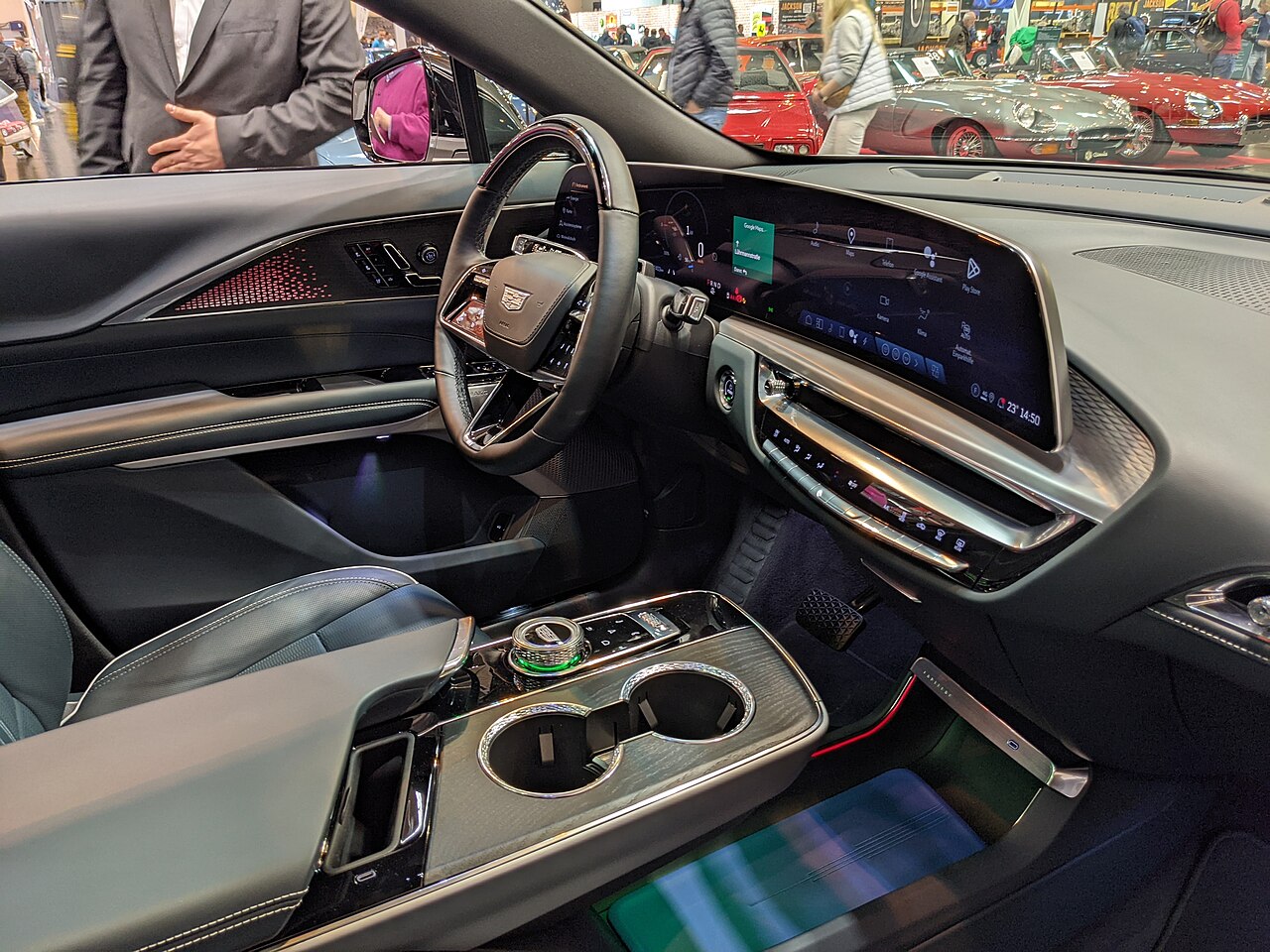
A charging trip can cross a phone planner, projected maps and built-in navigation. The useful comparison is what each path retains, recalculates and confirms before arrival.
 09
09Car app sign-in: what happens after the phone says done?
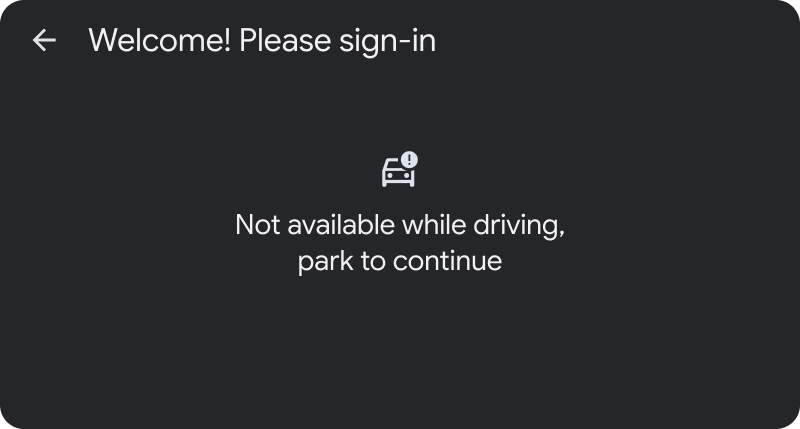
The phone approves the account, but the car still needs a result. A review of parked sign-in, delayed authorization and recovery paths that send drivers back to the right task.
 10
10Four screens between a saved place and turn-by-turn navigation
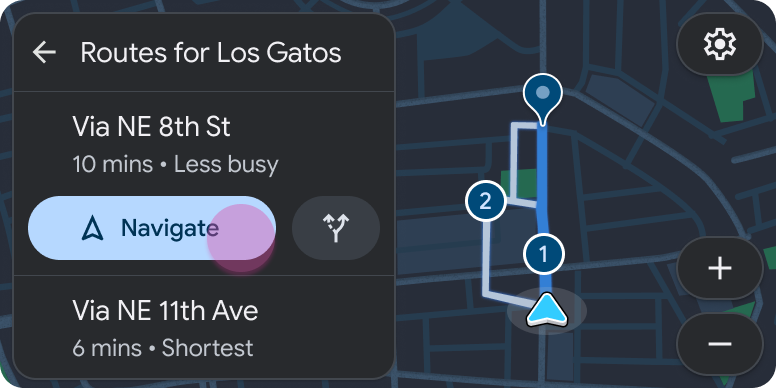
A close reading of Google's navigation example: where a place becomes a route, why a familiar layout still consumes another step, and what Back must preserve.